Environment
- Hypervisor: Fedora 42 with working libvirt configuration
- Guests:
- Windows Server 2k22
- Windows Server 2k25
How to
1. Download Win ISO files
- Win2k22: https://www.microsoft.com/en-us/evalcenter/download-windows-server-2022
- Win2k25: https://www.microsoft.com/en-us/evalcenter/download-windows-server-2025
2. Hypervisor configuration
- Install needful packages for secure boot and TPM support
sudo dnf install edk2-ovmf swtpm - Reboot
sudo reboot
3. Guest installation
name=win2k25;virt-install --name ${name} \
--description "${name}" \
--virt-type kvm \
--ram 4096 \
--vcpus 2 \
--disk path=/kvm/disks/${name}.qcow,size=100,bus=sata \
--check disk_size=off \
--os-variant win2k22 \
--network bridge=virbr0 \
--graphics spice \
--cdrom "/kvm/iso/Win2k25.iso" \
--noautoconsole \
--wait=-1 \
--tpm backend.type=emulator,backend.version=2.0 \
--boot uefi,firmware.feature0.name=secure-boot,firmware.feature0.enabled=yes,firmware.feature1.name=enrolled-keys,firmware.feature1.enabled=yes
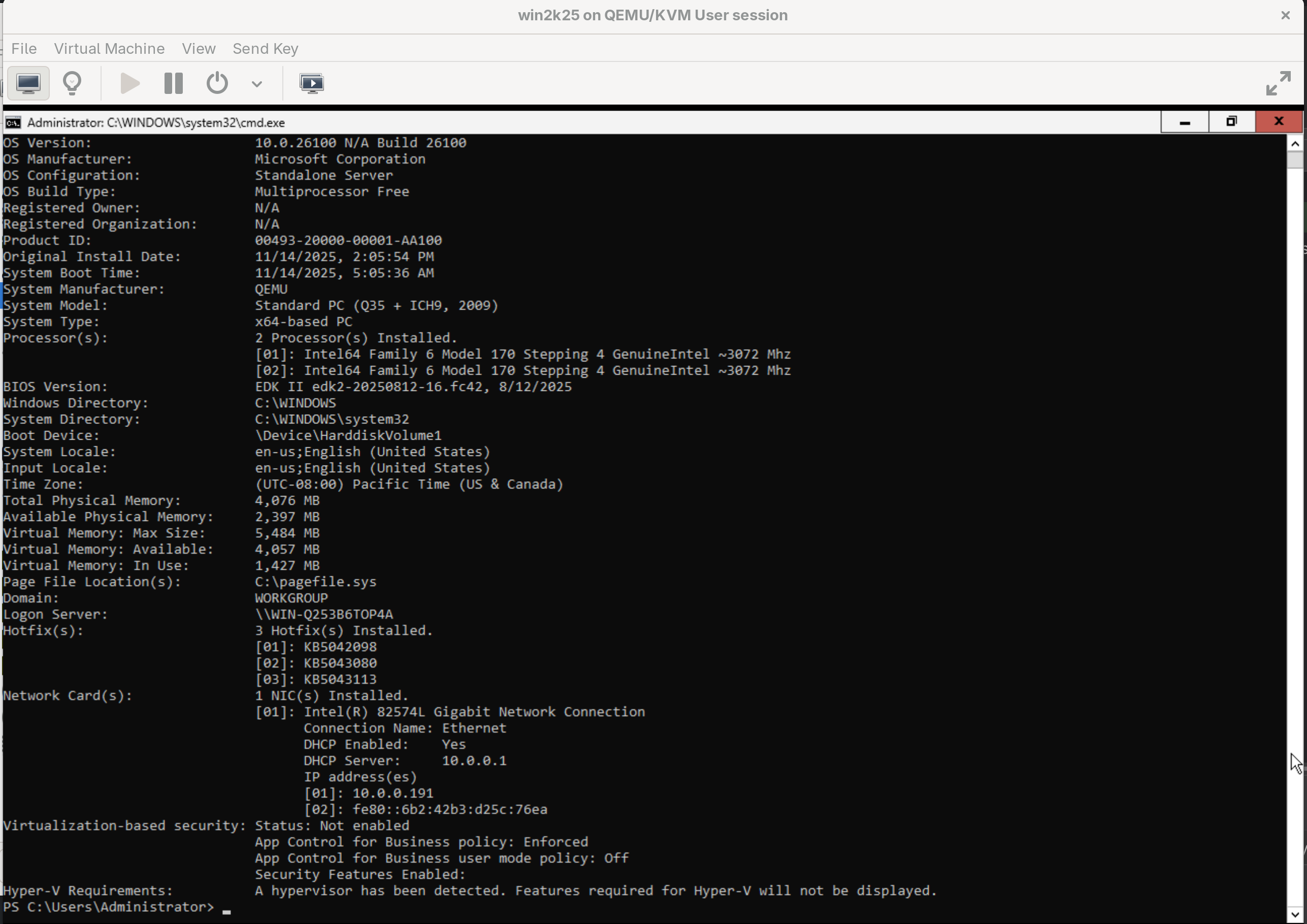
4. Final look